Colored Fields in Crystal Reports
This example is provided for its own sake, so as not to forget. The code demonstrates the change of the color of the row output in the field depending on the value.
The formula code:
if {@delta_c}<0 Then
crRed
else
crBlack
Now, how to do it in pictures:
Right-click on the desired field, select «Format Object»
Will open: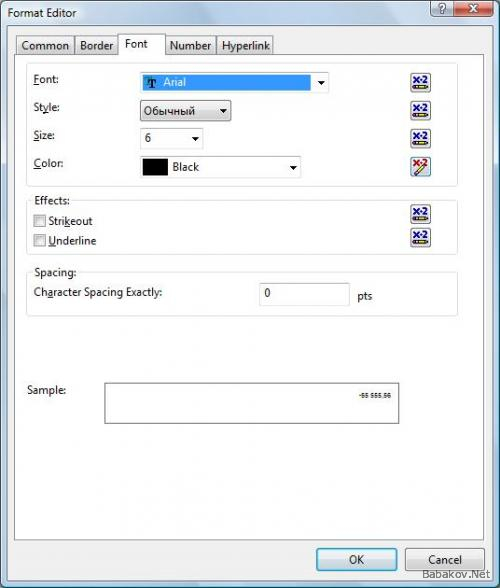
Right-click on the Font tab next to «Color» — by the formula button, will open the window: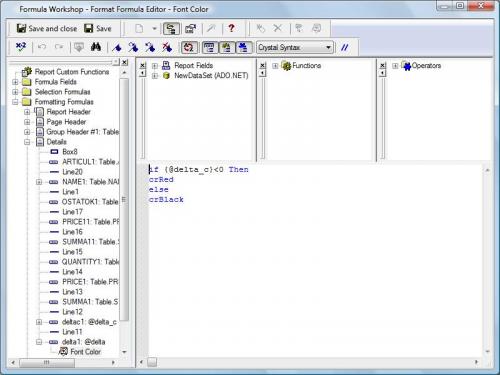
Enter our formula (in my case, the value in the field delta_c is compared.
Comments (0)
No comments yet.